Step 1) – CREATE DRIVER
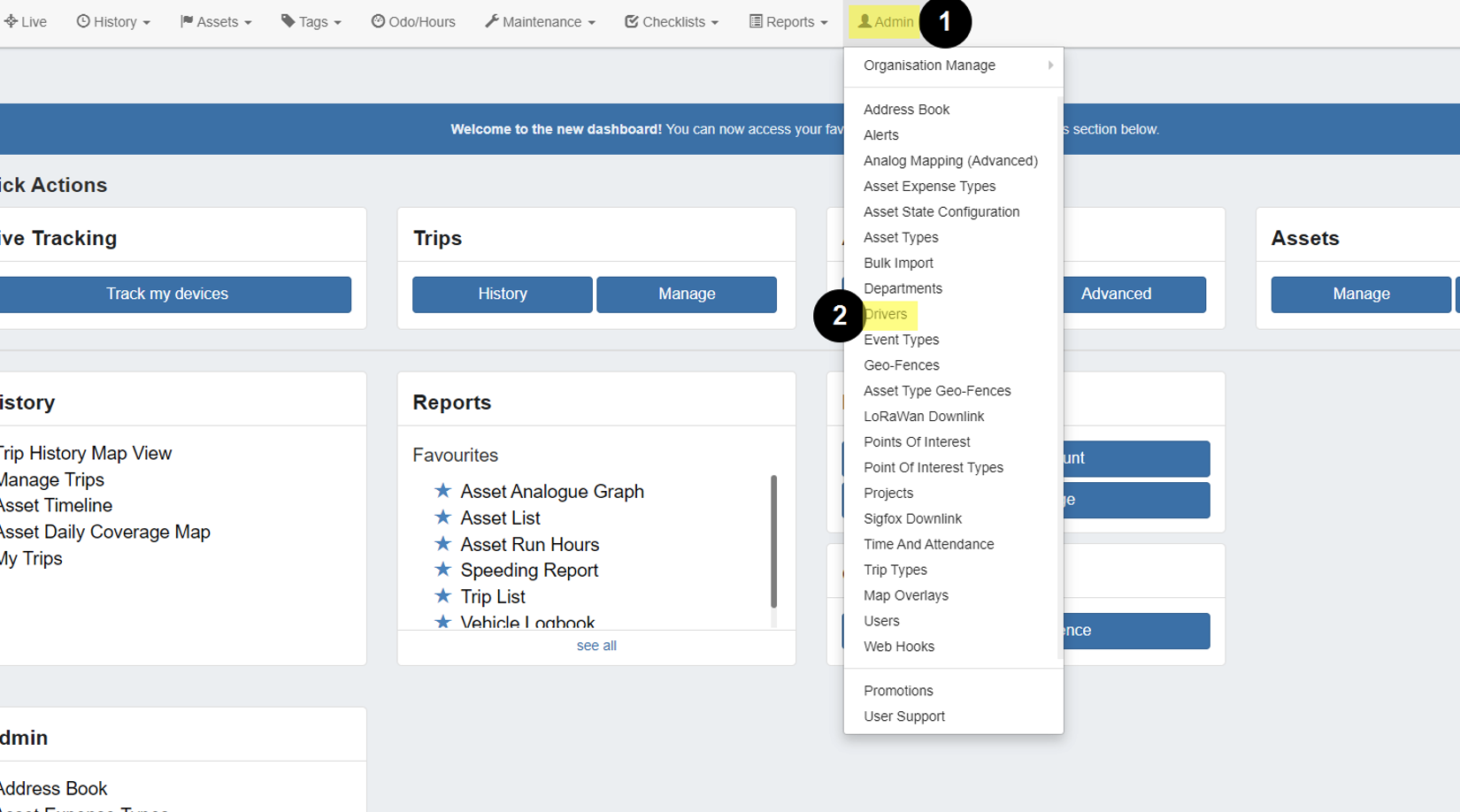
- Navigate to (1) Admin → (2) Drivers.
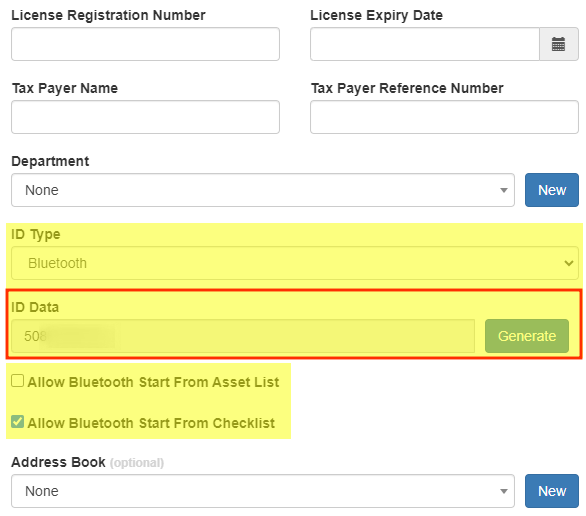
- Create a new driver as normal, noting to select Bluetooth as the ID type.
- Select whether to allow Bluetooth Start from Asset List, Checklist, or both.
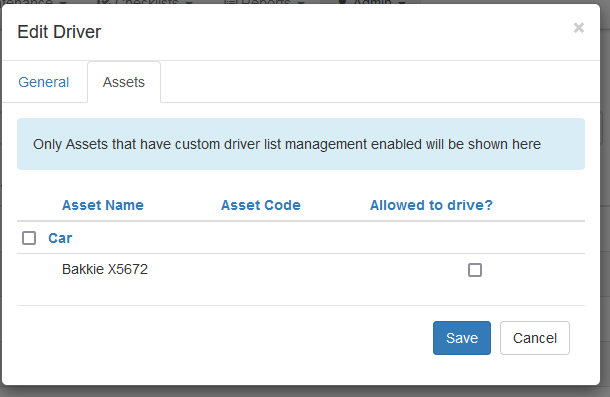
Save & Assign Assets - to select the assets which the Driver is permitted to use
Step 2) – Create a login User
To link a driver to a user:
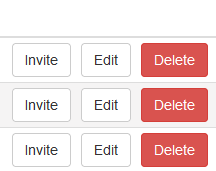
- If no user account yet exists, we can INVITE the user from the driver list
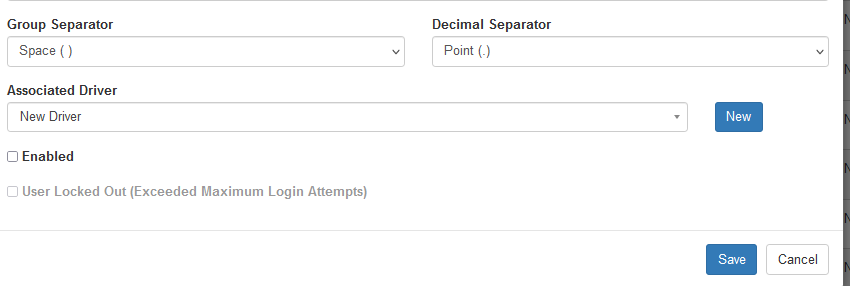
- If a user account already exists, go to Admin → Users
- Edit the User, and at the bottom of the dialogue associate the relevant driver
Notes:
|
See the article - Using Bluetooth Driver ID for more info
Need Help?
Reach out to our support team –
1300 672 072
Was this article helpful?
That’s Great!
Thank you for your feedback
Sorry! We couldn't be helpful
Thank you for your feedback
Feedback sent
We appreciate your effort and will try to fix the article